
INSTANT IMAGE OPTIMIZATION IN YOUR BROWSER WITH NO SERVERS INVOLVED
Cimo optimizes images during upload, so your images are already optimized before they even reach your WordPress site.
How it works

1
You upload a file
You or a visitor uploads an image, video or audio file to your website, either from your WordPress admin, or a front end form.
2
Cimo Optimizes it
Cimo intervenes and immediately optimizes the image before it gets into your site.
3
Optimized image is uploaded
WordPress receives your optimized images and creates different resolutions

Cimo does this without spending precious server resources, or sending your media files to third-party services.
Our users Love Cimo
Tried this plugin, and wow, images optimized like magic, no waiting, no server load, no bandwidth, no external services. Unlimited & free, quality intact.

Jhimross Olinares
WordPress Contributor
This plugin is great, works exactly how it says in the description, does instant conversion to WebP and optimization without any other hassle or API keys or even server side rendering. Already using it on couple of sites.

Mustafa Sheikh
WordPress Contributor
[An] interesting image optimization plugin different than others.
It optimizes images instantly during upload (before they are even added to the Media Library). The main difference of this plugin from classic WordPress image optimization plugins is that it performs all image optimization in the user’s browser (client-side) rather than on the server or through external API services.
Creates zero server load since optimization happens on the user’s device.

WPFixFast
Developer
If this doesn’t become one of your default plugins to use on all your client sites, I don’t know what would.

Remkus de Vries
Within WordPress
This plugin caught my attention because it’s focused on ease of use and just working. It doesn’t use your web server, and it doesn’t ship the image off over a CDN to some other server.The unoptimized image never actually makes it into the media library. You’re just getting WebP images uploaded, so you don’t have that problem of a hidden library of large files. The images were added quickly and were automatically converted to WebP format.

David McCan
Software Developer & Site Builder
The thing that makes Cimo amazing, and different from every other image compression plugin, is that it does all the work in the browser, before the image is uploaded. It converts it to WebP, and then uploads that.

Topher DeRosia
Web Developer
[My] personal favorite is the new plugin called “Cimo” when used with Google Chrome, it converts to webp on the go as you upload images in Wp library.

sundeckstudio
Web Design agency
Very happy to give this a well deserved Five Stars (★★★★★) as it’s as ingenious as it is simple. The final touch of perfection is that it works seamlessly with the Advanced Custom Fields (ACF) Image & Gallery field types. Big thanks to Benjamin Intal for this fine work!

Dave Barr
WordPress Web Developer
It is fantastic plugin. I asked the dev of Cimo to add max resolution support for images and they delivered. Since then, I am using it as default on every new website I build. Even if someone gives me free lifetime access to any popular paid image plugin, I will still prefer Cimo over them on any new website. Install it, set max width or height, and only the compressed image will touch your server. Best part – completely free. I install this before uploading any image and never worry about image optimization.

fossistic
Freelance Web Designer
FAQs
Unlike server-side plugins, Cimo processes everything in your browser. No external APIs, no server processing, no waiting – just instant optimization as you upload.
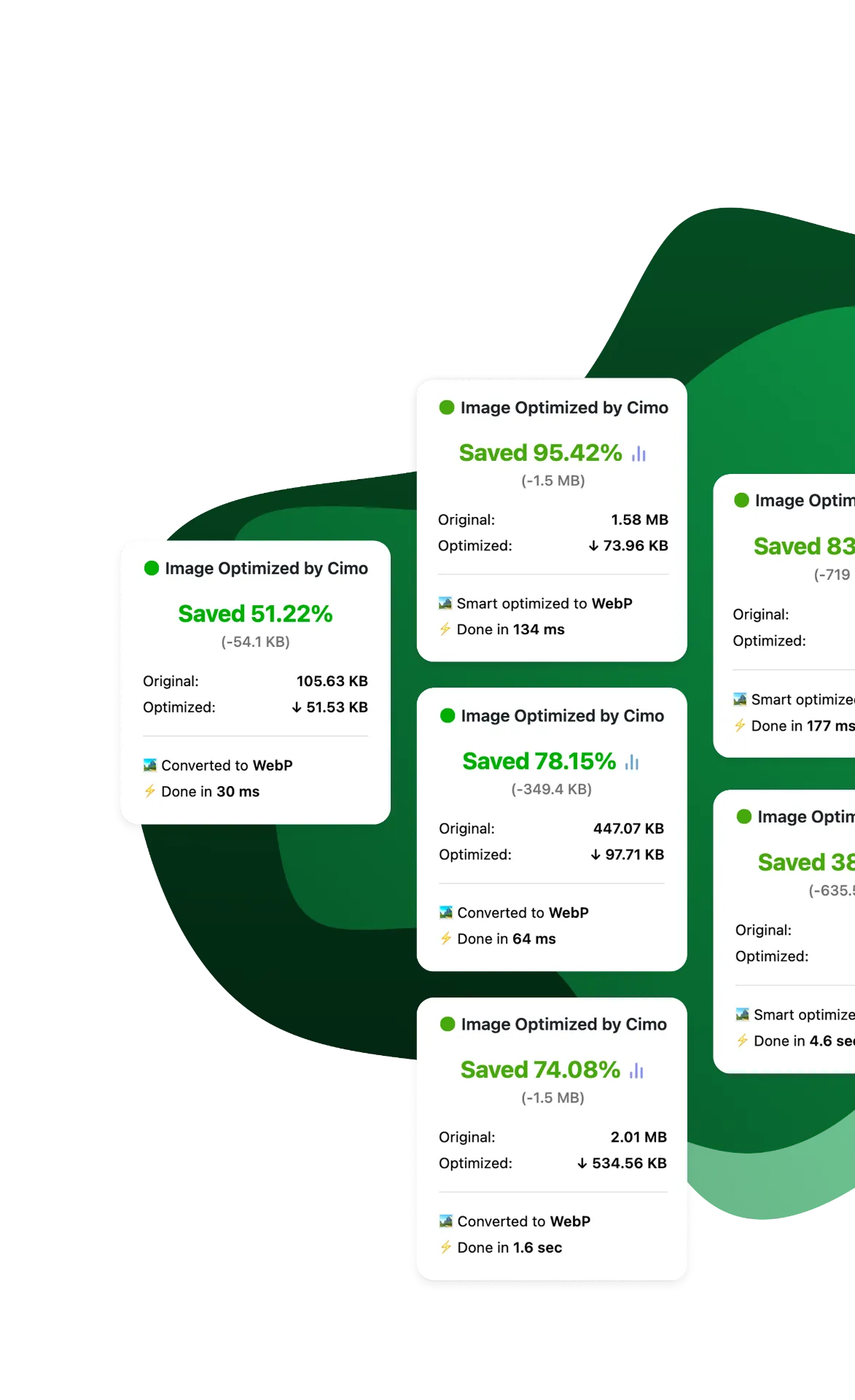
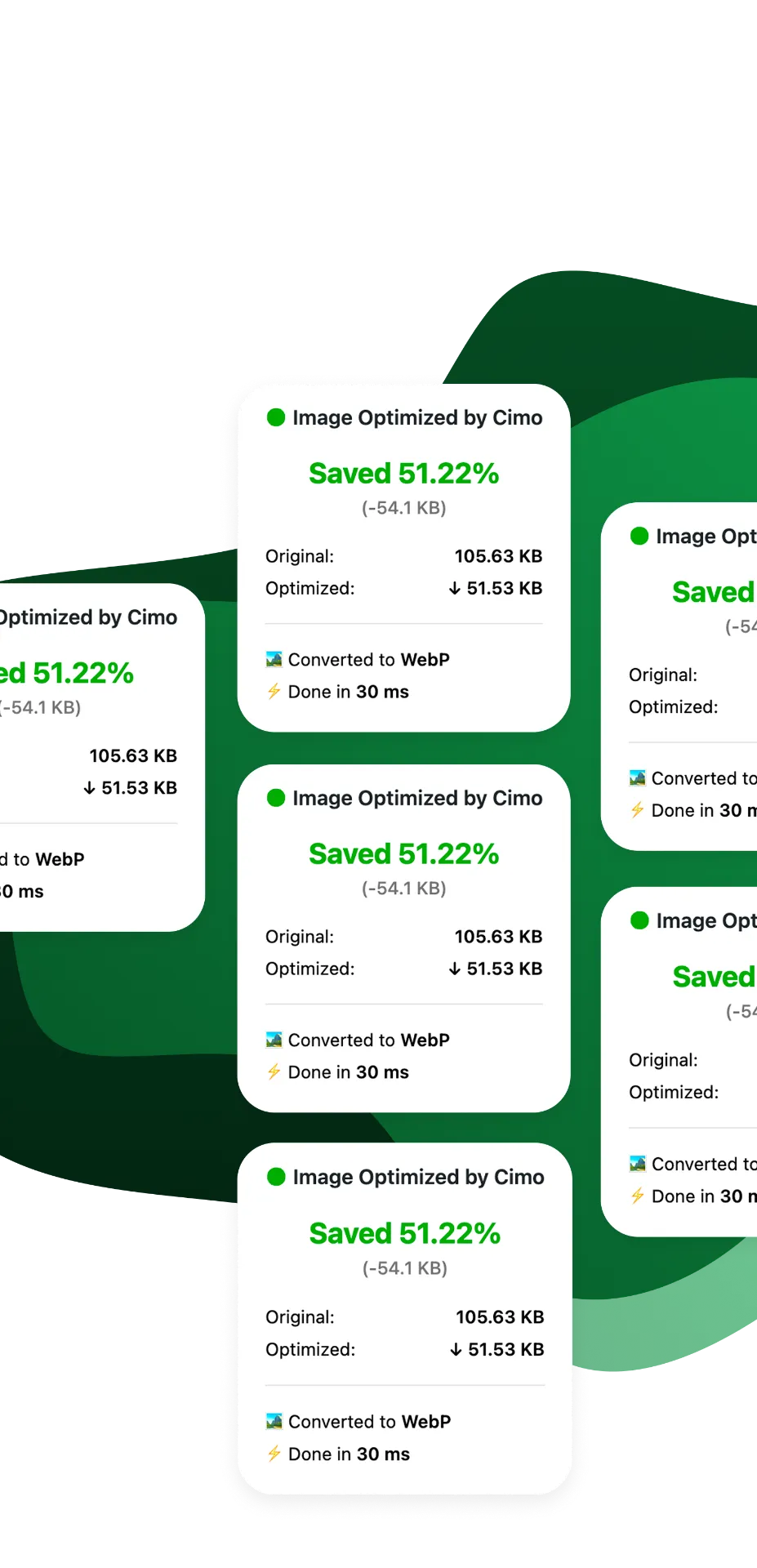
When you upload an image into your Media Manager (let’s say a .jpg), you’ll notice that after uploading, it will be a .webp image! You will also find some additional information in the Media Manager about your uploaded image.
Cimo works in all modern browsers including Chrome, Firefox, Edge, and Opera, converting the images to WebP. For Safari, the image will be optimized using the same file format.
Yes! Unlike other plugins that charge per image or have monthly quotas, Cimo’s image optimization and compression is completely unlimited and free forever.
No! Cimo processes everything locally in your browser. Your media assets never leave your device until they’re uploaded to your WordPress site, nor do they go to another server for processing.
Our browsers right now are quite powerful and already have the capabilities for converting images to different formats.
At the very core, the conversion is done via a clever use of JavaScript’s Canvas API to process your images in the browser right before they’re uploaded to WordPress.
This means faster uploads, no server load, and complete privacy.
Cimo works for all modern media formats such as JPG, PNG, and WEBP for images.
Cimo has a premium feature called Bulk Optimization that can optimize all your existing images, videos, and audios in one go.